MetahumanToManny: Retarget Metahumans to UE5 Manny
A Blender-based workflow and scripts to convert MetaHuman skeletal meshes to the UE5 Manny skeleton for seamless retargeting and animation reuse.
Metahuman To Manny
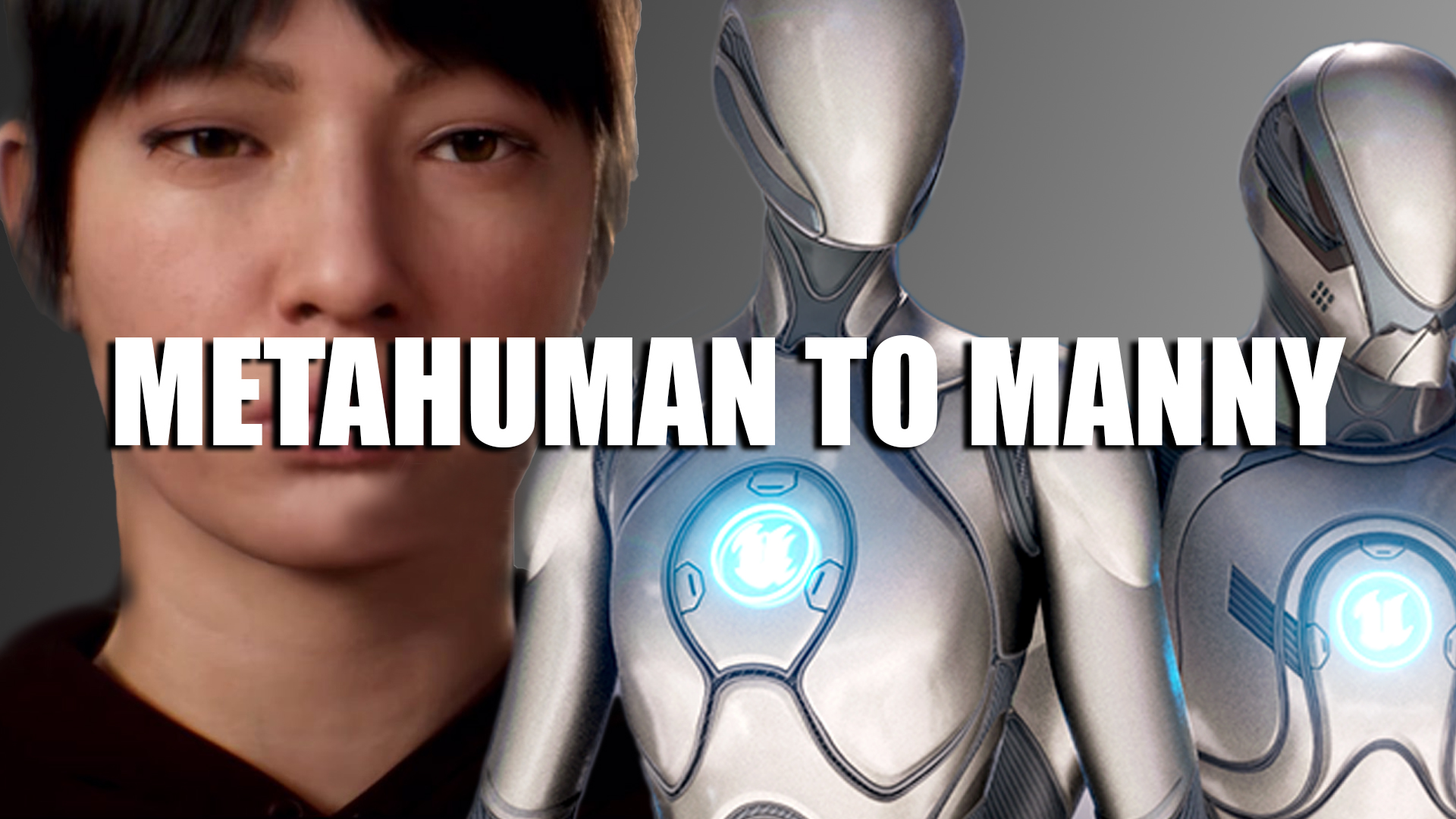
A streamlined Blender workflow and helper scripts to convert MetaHuman skeletal meshes for compatibility with UE5 Manny. This enables animation reuse, rapid prototyping, and shared retargeting across MetaHumans and the default UE5 mannequin.
Video Tutorial
Why
Teams frequently need to preview or reuse animations across MetaHumans and Manny. Differences in head/face bones, twist naming, and toe chains make direct reuse unreliable. This toolset standardizes the conversion to Manny to ensure predictable results.
Key Features
- One click In Place Conversion from Metahuman to Manny.
- Face bone weight cleanup to remove incompatible branch bones.
- Body fixes for twist naming, toes, and seam normalization.
- Automated vertex group cleanup for lean exports when blendshapes are not required.
- Game Rig Tools pipeline to bind converted meshes to a mannequin-compatible deform rig.
- Export-ready for UE5 Manny with consistent rest pose and parenting.
Requirements
- Blender (4.2.4 LTS+).
- MetaHuman skeletal mesh exported from Unreal Engine.
- Optional: Manny skeleton reference in Blender for pose matching.
Quick Start
Instant Conversion
- Export the MetaHuman skeletal meshes you want to Manny from Unreal.
- Import the meshes into Blender.
- Select one LOD mesh, then Shift-select the armature.
- Run In Place Conversion. All remaining LODs are processed automatically.
- Select an LOD mesh again and run Setup LOD Hierarchy.
- Select all meshes, including the LOD empty parent, then Shift-select the armature and export.
- Use these export settings:
- Selected Objects: true
- Object Types: Empty, Armature, Mesh
- Forward: Y Forward
- Up: Z Up
- Smoothing: Face
- Add Leaf Bones: false
Note: Only the face mesh requires material section reordering.
Result
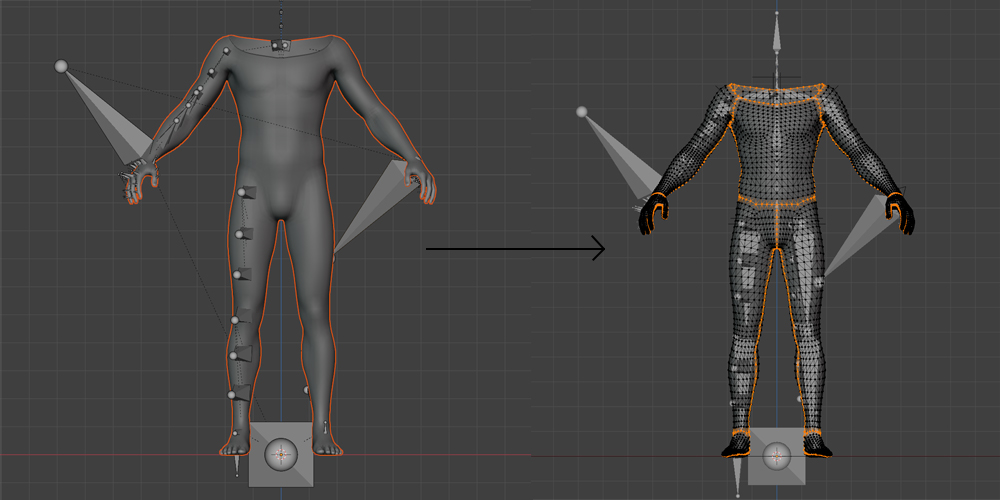
Converted MetaHuman meshes are fully compatible with UE5 Manny for IK/retargeting and shared animation workflows.
Notes and Tips
- Keep a pose matching preset per MetaHuman archetype to speed up repeated conversions.
- If you need facial blendshapes, skip deleting relevant vertex groups during cleanup.
- Run seam fixes before parenting to avoid split normals on export.
Known Limitations
- Facial rigs beyond standard Manny requirements are out of scope. Use MetaHuman facial systems for high-fidelity facial animation.
- Custom clothing with additional bones may require manual adjustments post‑conversion.
Roadmap
- Batch automation for multi‑character pipelines.
- Optional export presets for UE5 FBX.
Credits
Developed by Hakan Erünsal. Blender scripts and workflow authored to assist the UE community in cross‑skeleton retargeting.